
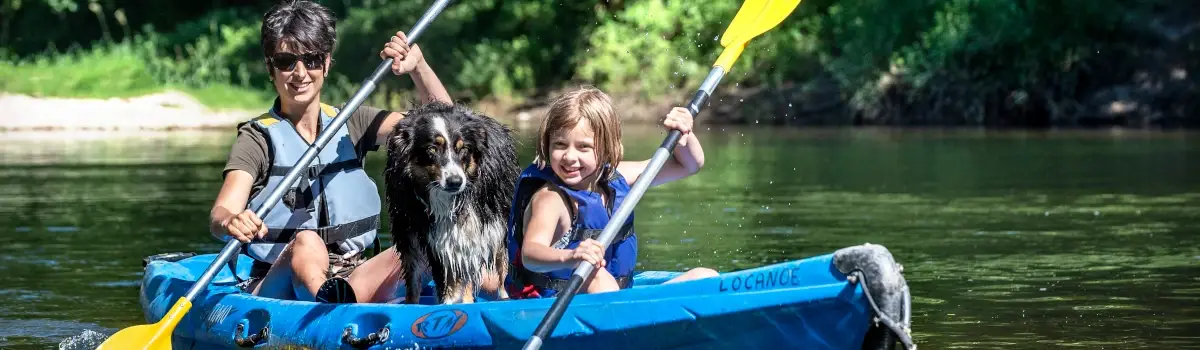
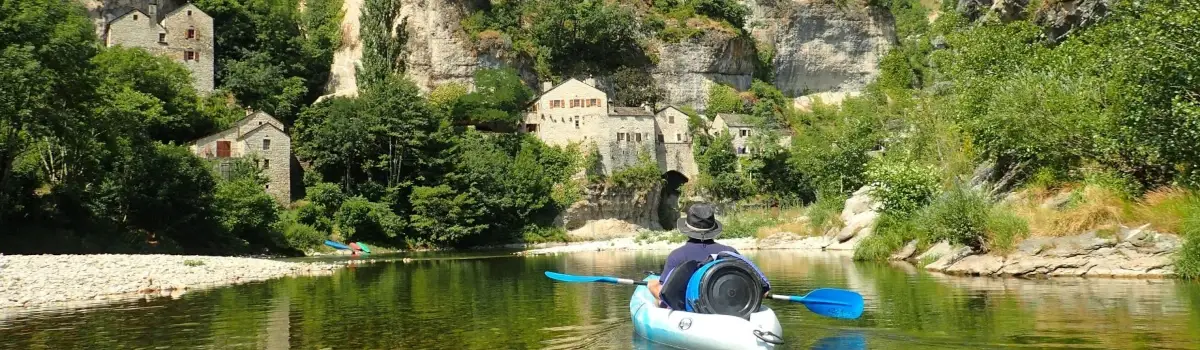
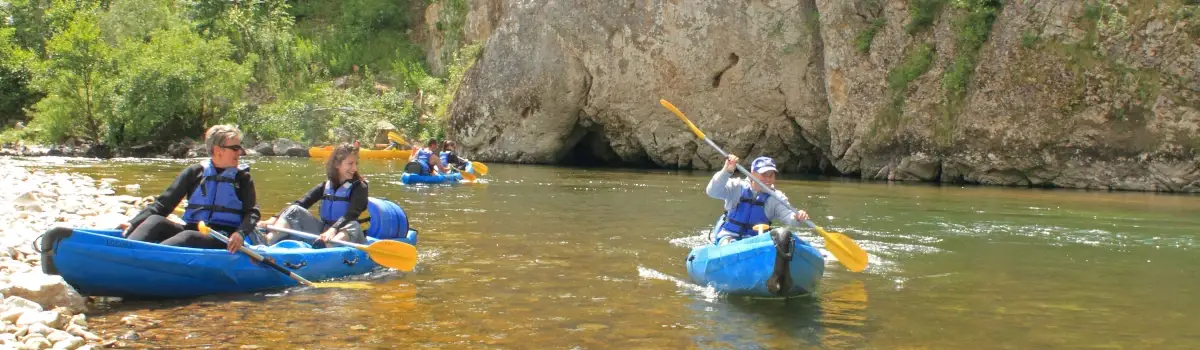
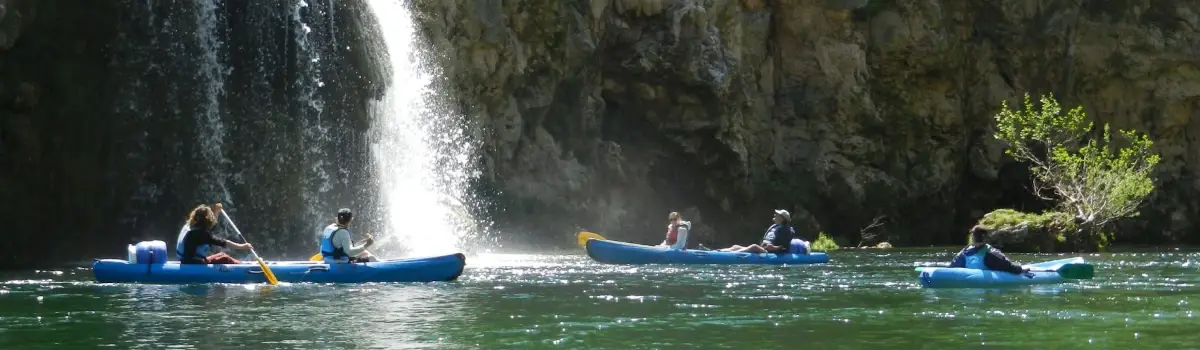
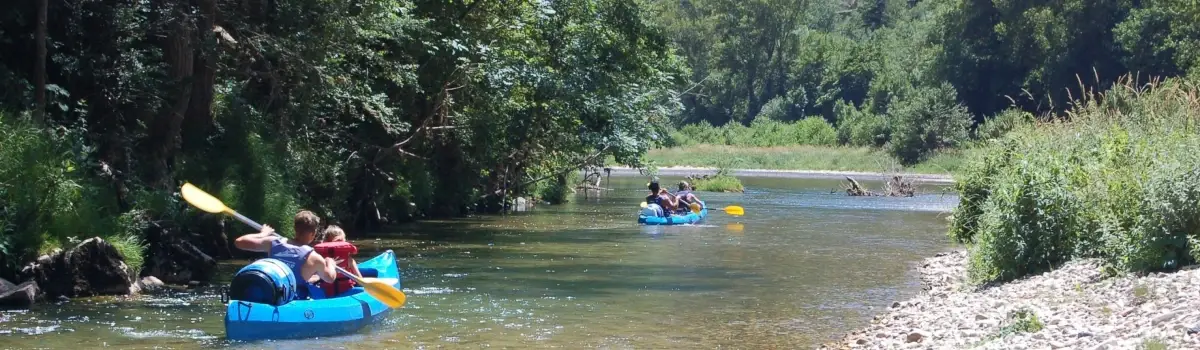
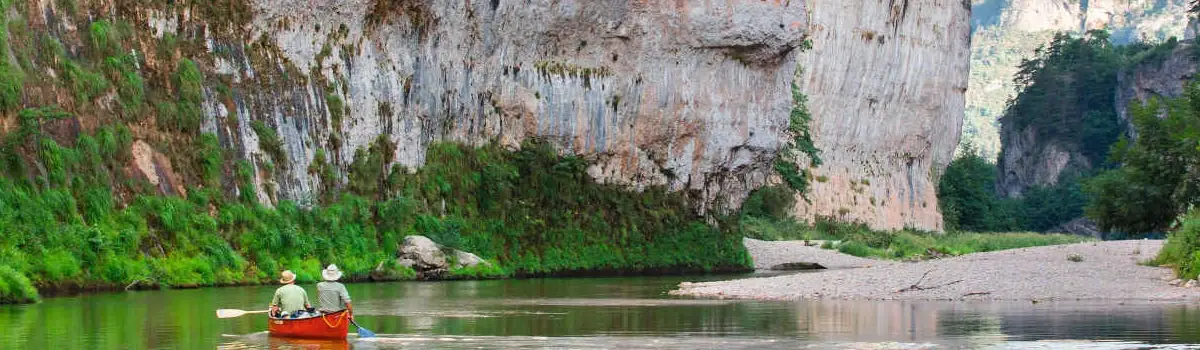
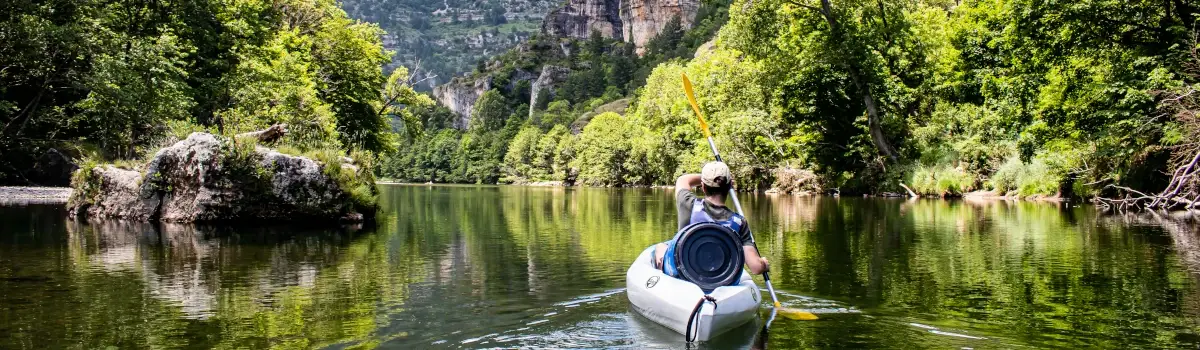
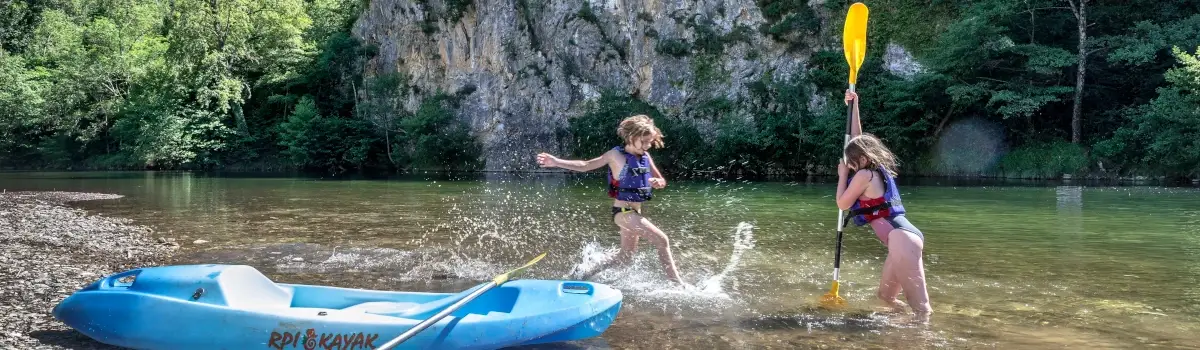
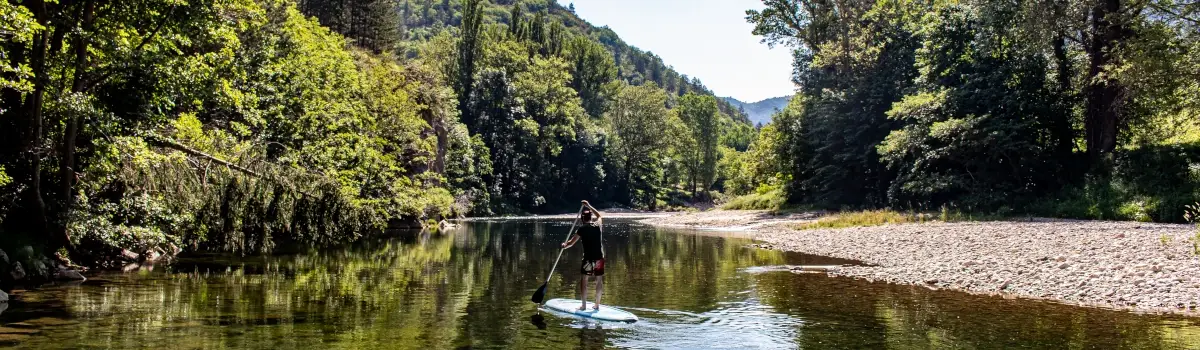



Canoe, kayak and stand-up paddle rentals and tours in the Tarn Gorges
Departures from Castelbouc and Sainte-Enimie
Discover our different routes on the Tarn:
Descents accessible to all, remarkable landscapes (certified Grand Site de France) and several options (from half a day to 2 days) to choose the itinerary that suits you best.
- Trip from Castelbouc to Sainte-Enimie | Découverte : 6 km – 2 hours – Easy
- Trip from Montbrun to Sainte-Enimie | 10 Kil : 10 km – 3 hours – Easy
- Trip from Sainte-Enimie to La Malène – Rives-Basses | Le Classique : 13 km – 4 hours – Easy
- Trip from Castelbouc to La Malène – Rives-Basses | Le Grand Classique : 19 km – 5 to 6 hours – Moderate
- Trip from Sainte-Enimie to Baumes-Basses | Le Grandiose : 23 km – 6h30 – Difficult
- Trip from Castelbouc to Baumes-Basses | Evasion : 29 km – 2 days – Easy
- Trip from Castelbouc to Sainte-Enimie | Zéro Carbone : 6 km by canoe and return on foot via the GR 736 – 3h30 – Easy
- Paddleboarding on the lake at Camping Le Site de Castelbouc
- "Twilight" Descent With an instructor – By reservation only in July and August
Course booking procedures:
- Reception point – Information and booking at Camping Le Site de Castelbouc :
Address :
Le Céret – 50 route de Castelbouc
48210 GORGES DU TARN CAUSSES
(Historic municipality of Sainte-Enimie)
Lozère, Occitanie, France.
GPS : 44.338978087636136, 3.468860656376731 - Reception point – Information and booking at the Locanoë base in Sainte-Enimie (Outdoor Activity Centre) :
Address :
Route de Florac
48210 GORGES DU TARN CAUSSES
(Historic municipality of Sainte-Enimie)
Lozère, Occitanie, France.
GPS : 44.36597684510646, 3.4310679291873454 - By telephone:
+33466485808 – +33466485557 – +33650603798 - By email:
camping.de.castelbouc@gorges-du-tarn.fr - Online booking:
See on each route.
User guide for maps, .gpx tracks, GPX Viewer, and instructions to follow during the routes :
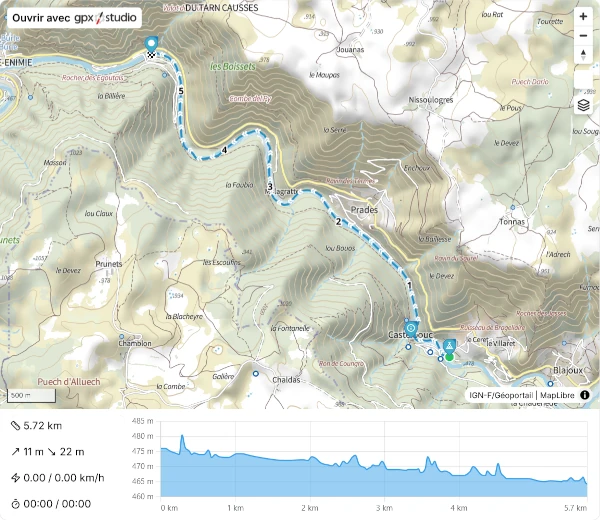
- Your route along the Tarn is shown in blue; ;
- Directional arrows >>; ;
- Numbers 1 – 2 – 3 etc.: number of km since departure; ;
- Markers with tooltips and detailed information at the start and finish; ;
- Notable or important points of interest along the route; ;
- The route profile, especially useful for seeing a distance from the start; ;
- On the web version of the profile, by clicking and holding, and moving around, you can see the distance between the two selected points of the route.
Example of a map displaying a .gpx track:
For optimal use of GPX Viewer:
- You need to enable geolocation in your smartphone's general settings; ;
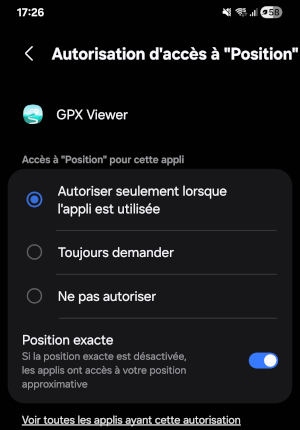
- Important ! You must also Enable geolocation on GPX Viewer :
Press and hold the GPX Viewer application icon, you will see this tooltip:
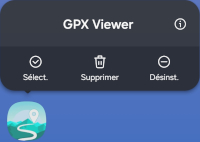
- Next, click on the small "i" icon (Information); ;
- Next, go to: Permissions | Location | Access permission for "Location" | And, importantly, enable Exact Positioning.
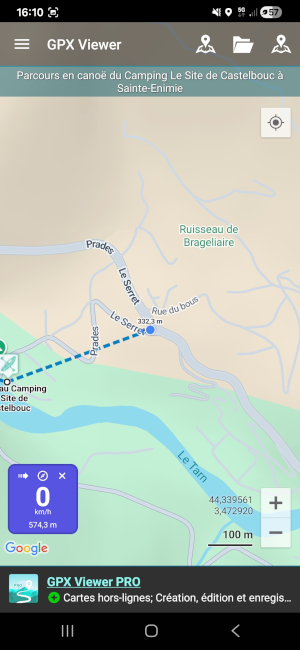
- On GPX Viewer, you can follow your progress in real time while navigating the Tarn (blue dot) and see your location if you are away from the route (dotted lines between your position and the route if you are close to it).
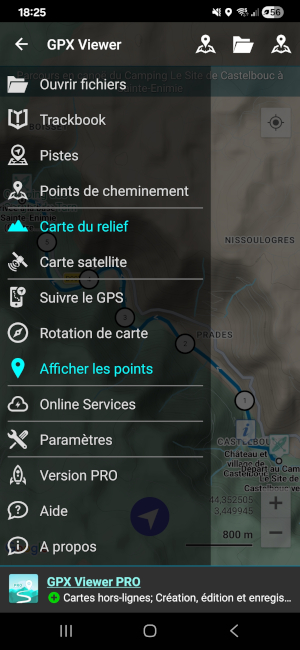
- With the application's menu (3 lines in the top left corner), you have different options available.
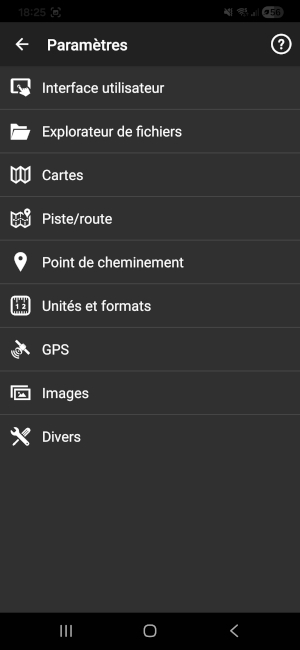
- Important ! In "Settings", you also have access to numerous settings depending on your preferences.